Is there a way in Photoshop to use a channel (for example red or Lab luminosity) as a mask for a layer?
Asked
Active
Viewed 1.4k times


1 Answers
5
Yes, two ways I know of:
- Go to the channels palette.
Select the channel you want.
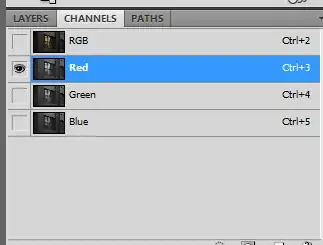
- Ctrl-click (Cmd-Click on a Mac), to copy the channel.
Then go back to your layer and add your mask
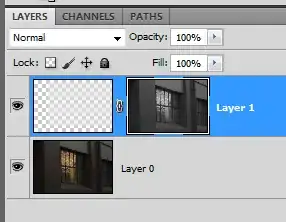
or
- create a blank, white mask on your layer
- make sure the mask is selected
go to Image > Apply Image
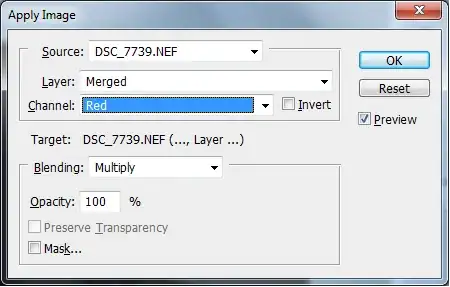
select the channel you want from the channel dropdown
- click ok
I use a red mask when doing skin softening, because skin will show up light in the red channel. I describe this in my answer to this question: What is the best techinque to smooth skin?

